One entry to call Claude, GPT, and Gemini
XiuRouter is the model-calling app inside XiuWork. Connect your AI tools through one entry, then view balance, API keys, and request usage in one place.
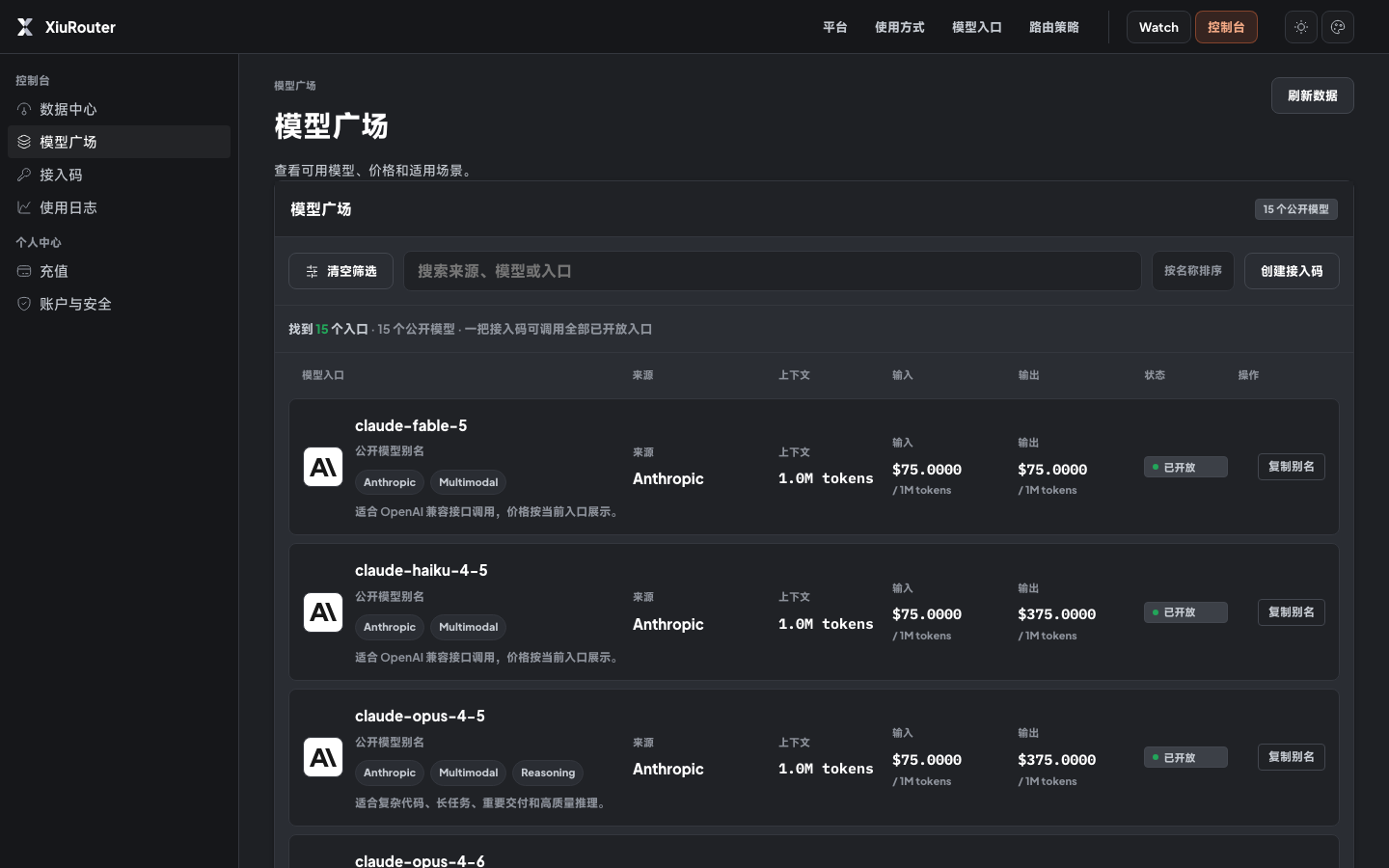
Choose models from one table
This screenshot comes from the current XiuRouter console. You can see model aliases, sources, prices, context, and status, then copy an alias into your tool.
Choose a model, connect your tool, then check the record
When Claude, OpenAI, and Google live across different platforms, configuration and usage records get split apart. XiuRouter keeps the calling entry and usage records together to reduce repeated setup.
Choose a model
Choose the model for the current task across Claude, GPT, and Gemini after checking source, price, and status.
Connect existing tools
Connect existing AI tools with one base URL and one Bearer key. Create separate API keys for production projects, test environments, and personal tools.
Review call records
Every request records model, tokens, cost, and status. Later review, reconciliation, and debugging return to the same record.
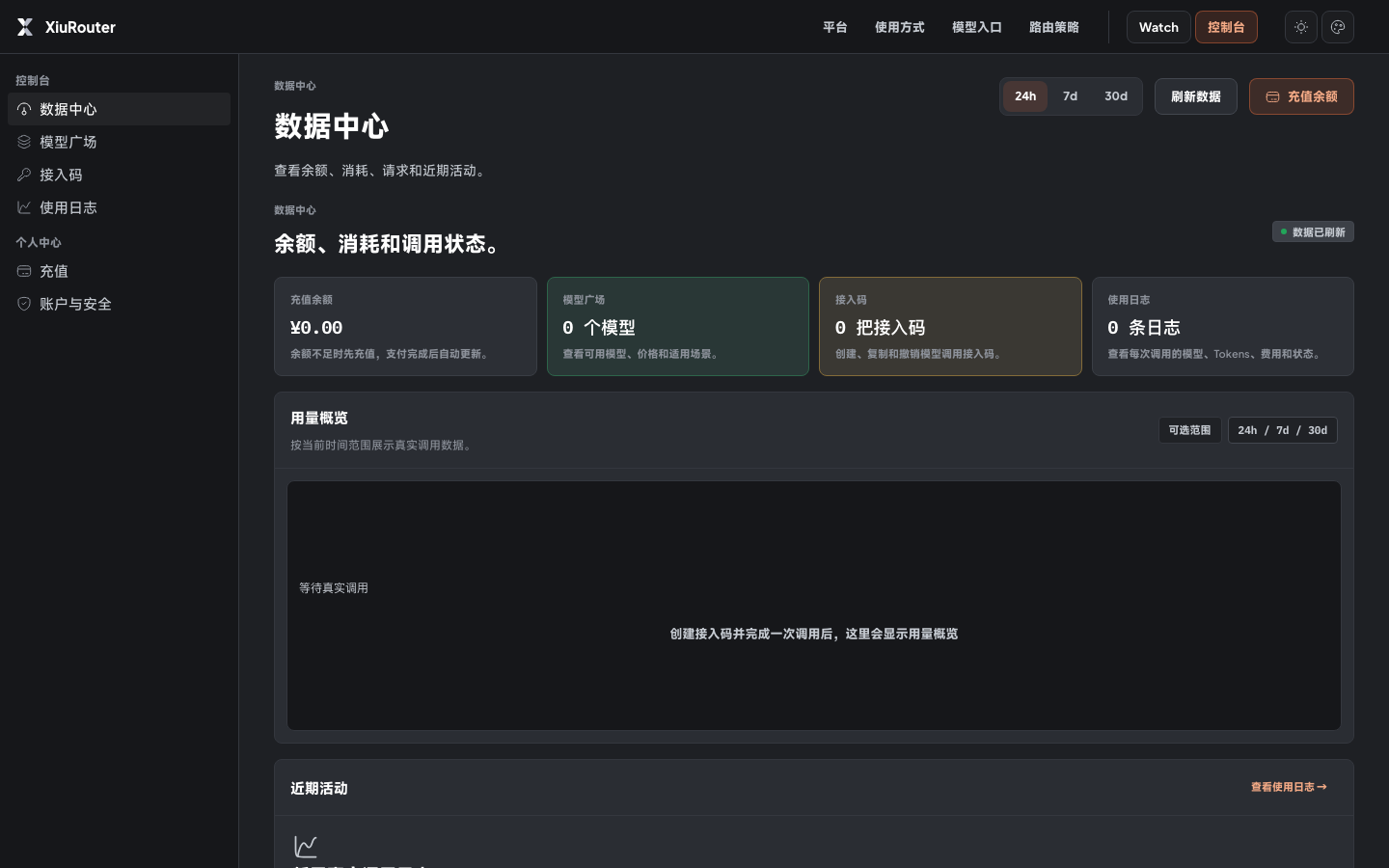
Keep models, API keys, and call records together
Open the console to check balance and available models, then create an API key. After calls run, review model, tokens, cost, and status in usage records.
Balance overview
Check balance, consumption, and request status. When there are no real requests, the page shows an empty state.
Model list
Review model aliases, source, context, price, and status, then copy the model alias.
API keys
Create, check, rotate, or revoke API keys for different tools.
Usage logs
Review each request by time, model, tokens, cost, and status.
Check model status before you call
Watch shows model status, usage trends, and incidents. When recent real logs are missing, the page waits for real data instead of pretending sample rankings are live.
Check whether a model is available before you keep calling, switch models, or wait for recovery.
Watch shows aggregate status. It does not show your API keys or request details.
Actual cost follows the per-request records in the console.
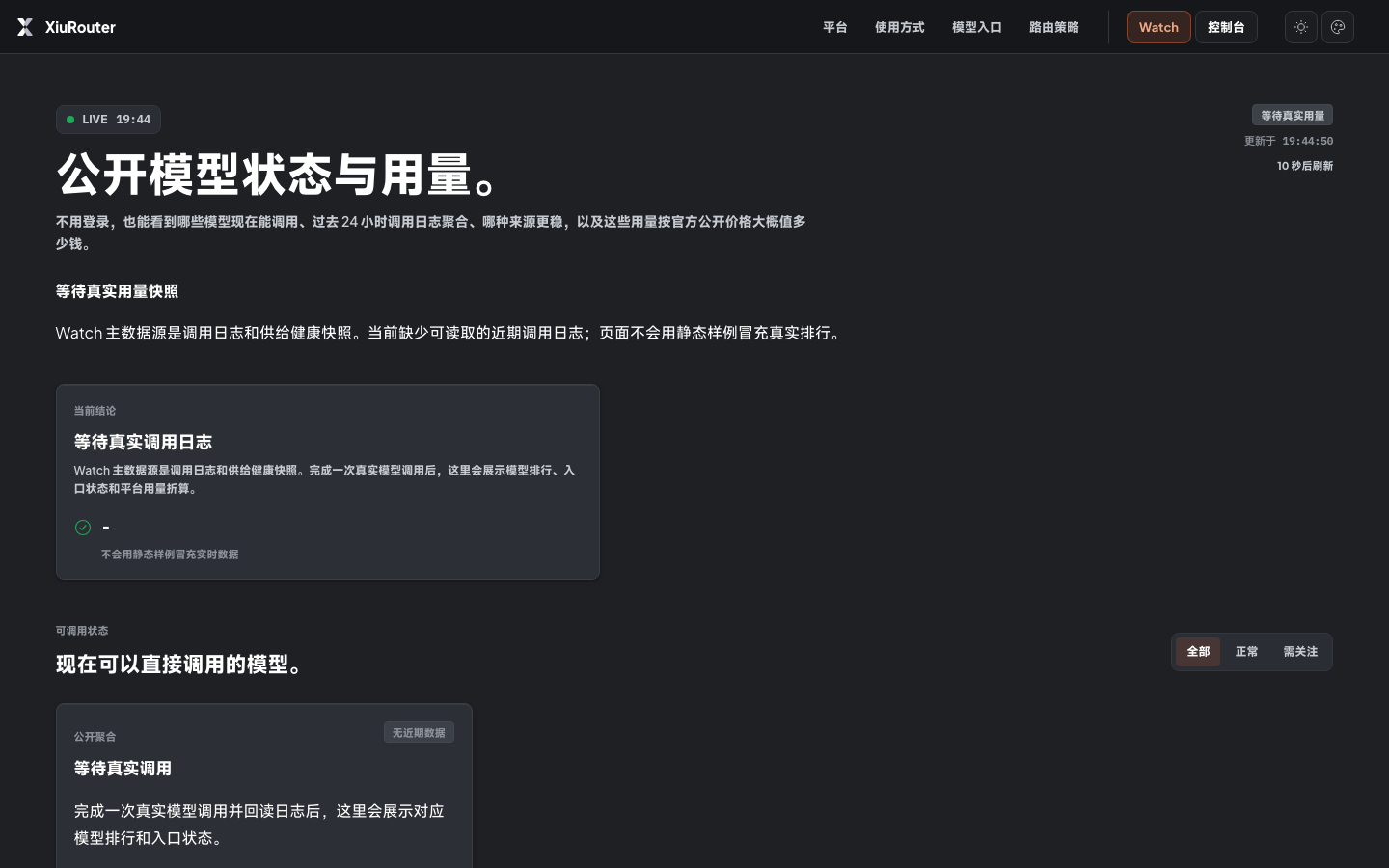
This is the real Watch page: when recent logs are missing, it waits for real data instead of filling rankings with static samples.
Choose a model entry
Choose the entry for the current task across representative Claude, OpenAI, and Google models.
Connect existing tools
Copy the base URL, Bearer key, and model alias to connect existing tools to XiuRouter.
Review usage records
Review which model each task used, how many tokens it consumed, and what it cost.
Check entry status
Use Watch to see model status, usage trends, and incidents. When real logs are missing, it shows a waiting state.
Connect your AI tools inside XiuWork
Open XiuRouter and copy connection details into your existing tools. Every call will leave a record of model, tokens, cost, and status.